Hikvision Doorbell Video Intercom Kit with 7-Inch Monitor, PoE Switch and SD Card
Hikvision Doorbell Video Intercom Kit with 7-Inch Monitor, PoE Switch and SD Card
SKU:DS-KV6113-WPE1(C) + DS-3E1105P-EI + DS-KH6320-WTE1 + HS-TF-C1(STD)
Low stock: 5 left
Couldn't load pickup availability
 FREE! Next Working Day Delivery - Purchases over £129.99 (Mon - Fri) order before 3pm*
 Paypal Pay in 3 Available - 3 Interest-Free Payments.
 Genuine Hikvision UK Stock With a 3 Year Warranty.
- ✅ 3 Year Warranty on this item
- ⚠️ Please note: This is a non returnable item if the security seal/seals are broken. Get in touch to see if this the right item for you.
Product information
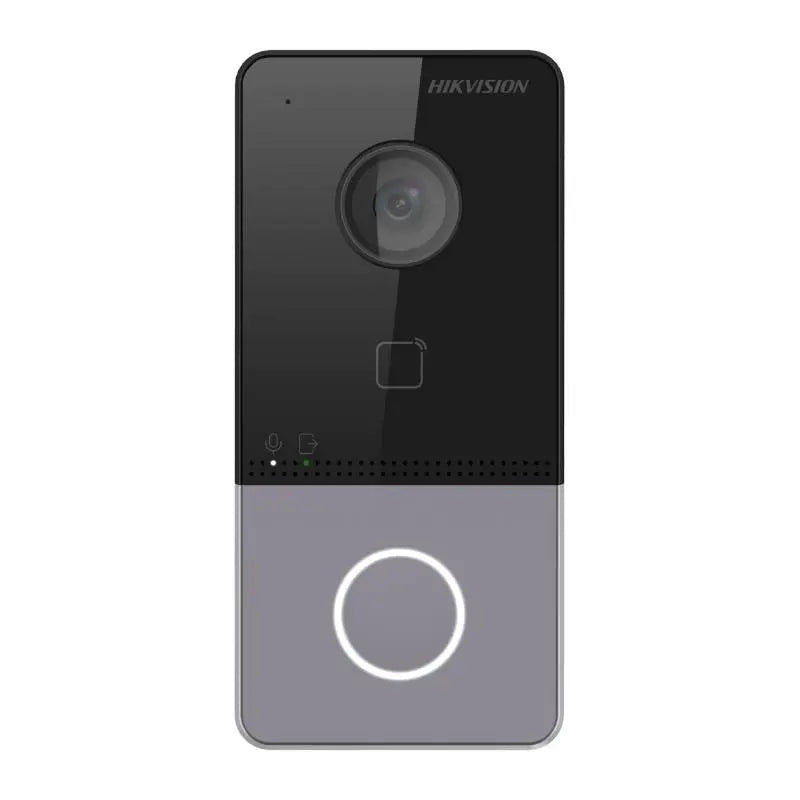
Hikvision Doorbell Video Intercom Kit with 7-Inch Monitor, PoE Switch & SD Card
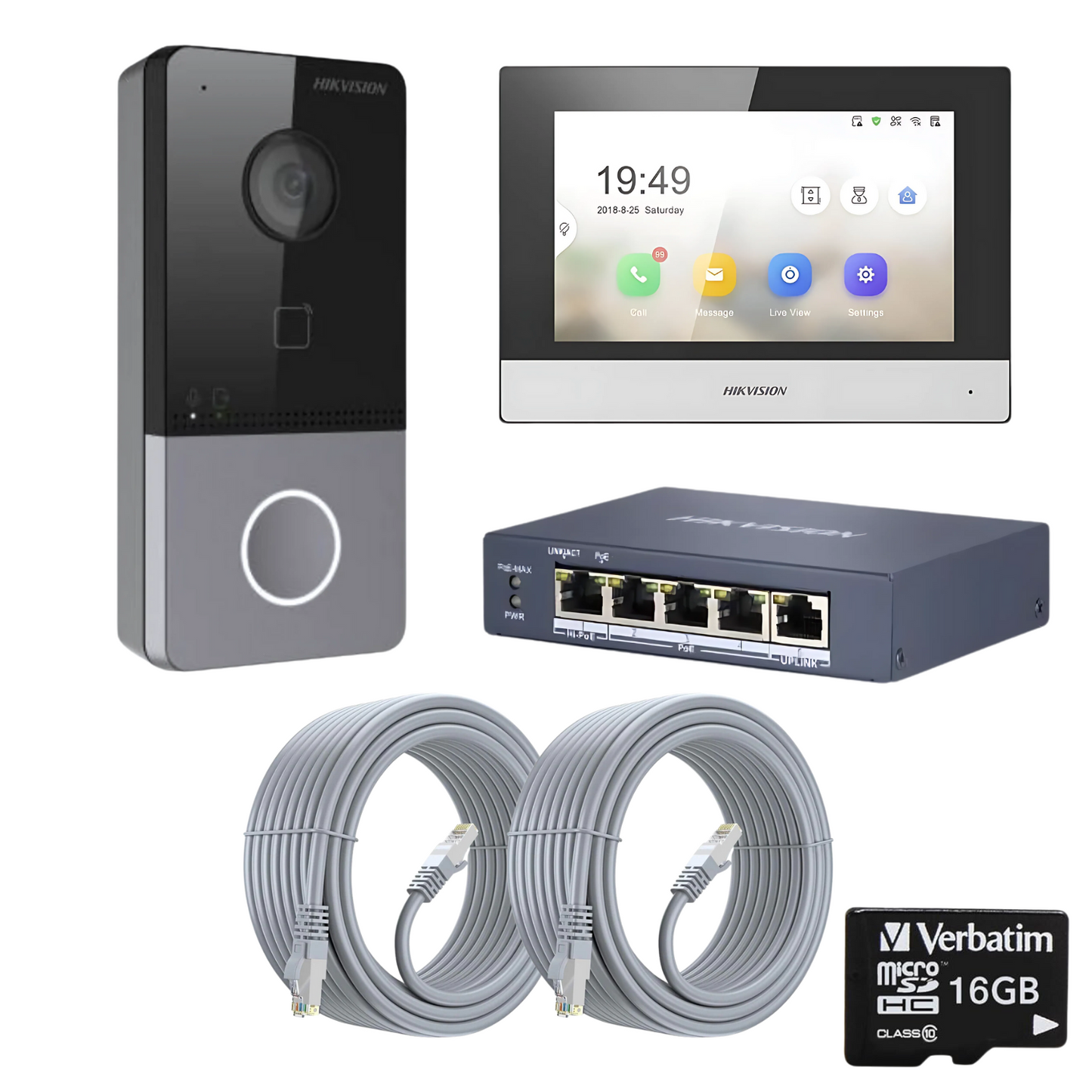
The Hikvision Doorbell Video Intercom Kit is an easy-to-install solution that includes all the essential components to set up a secure, hardwired video doorbell system. With no ongoing subscription fees and no need to recharge batteries, this kit provides a reliable and hassle-free entry management system for homes and small businesses.
This kit includes a doorbell camera, 7-inch indoor monitor, PoE Ethernet switch, SD card, and cables for a complete plug-and-play installation. The system connects to your network switch to power the devices and stream live video and audio to your mobile device via the Hik-Connect app, allowing you to communicate with visitors from anywhere in the world.
Key Features:
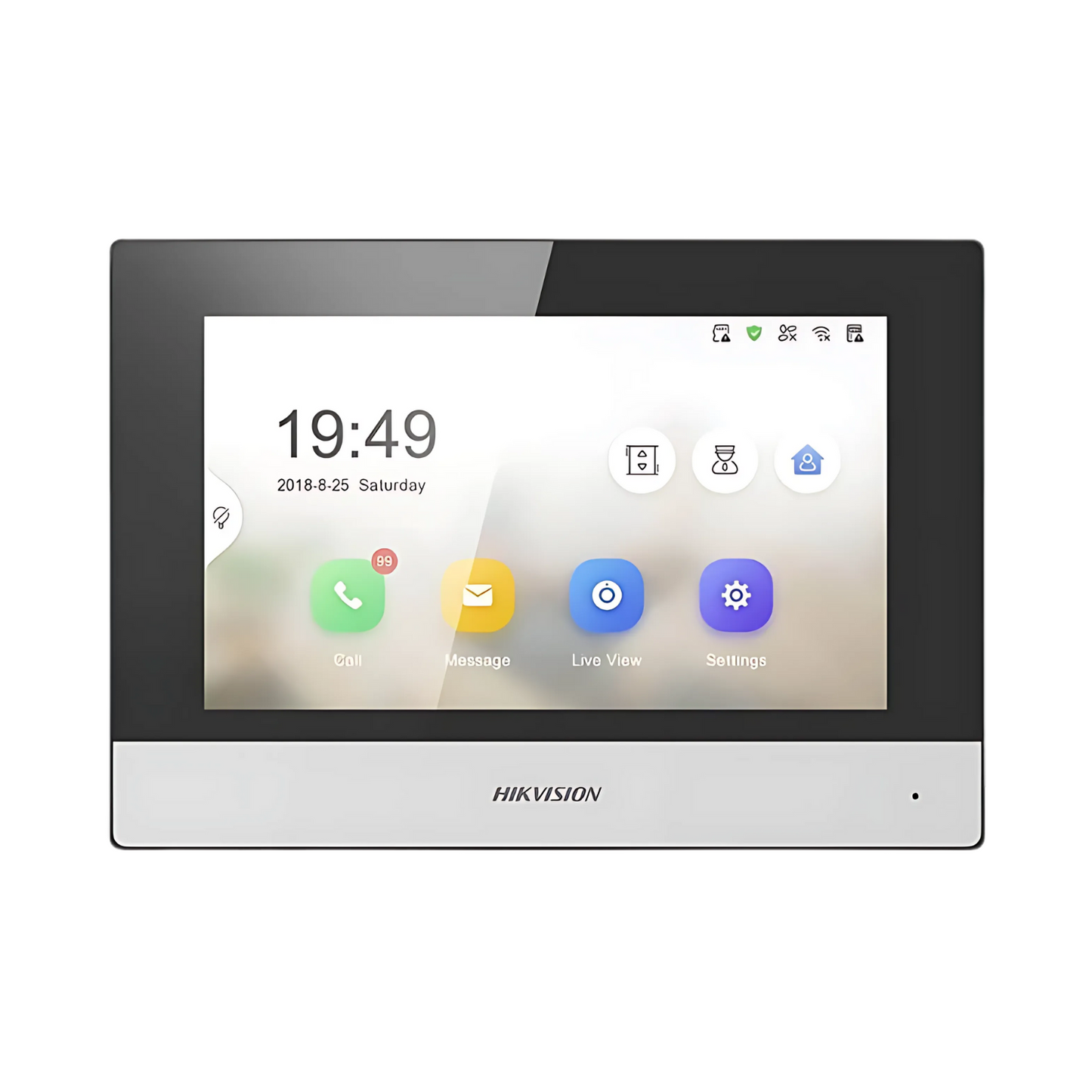
- Two-Way Audio Communication – Talk to visitors at your door from anywhere worldwide via the indoor screen or mobile app.
- Live Video Monitoring – View real-time video footage on the 7-inch monitor or remotely on your smartphone.
- No Subscription Fees – Store photos and videos locally on the included SD card or mobile device, with no ongoing costs.
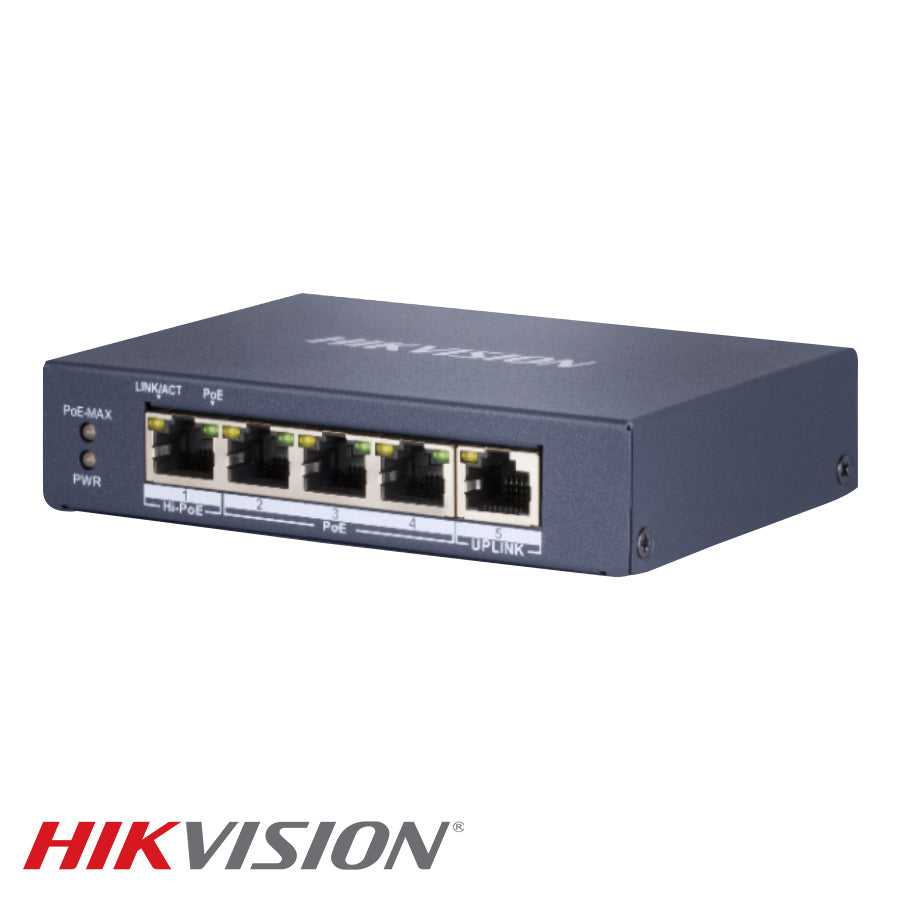
- Hardwired System – The PoE switch powers the doorbell and monitor, eliminating the need to recharge batteries.
- Motion Detection & Alerts – Receive instant notifications on your phone when motion is detected at your door.
- Video & Image Storage – Save photos and videos at the touch of a button on the indoor monitor or directly on your phone.
- Easy Installation – Everything you need is included for a quick and straightforward setup.
What’s Included:
- 1 x Doorbell Camera (Model: DS-KV6113-WPE1-C)
- 1 x 7-Inch Touch Screen Monitor (Model: DS-KH6320-WTE1)
- 1 x 4-Port PoE Ethernet Switch (Model: DS-3E1105P-EI)
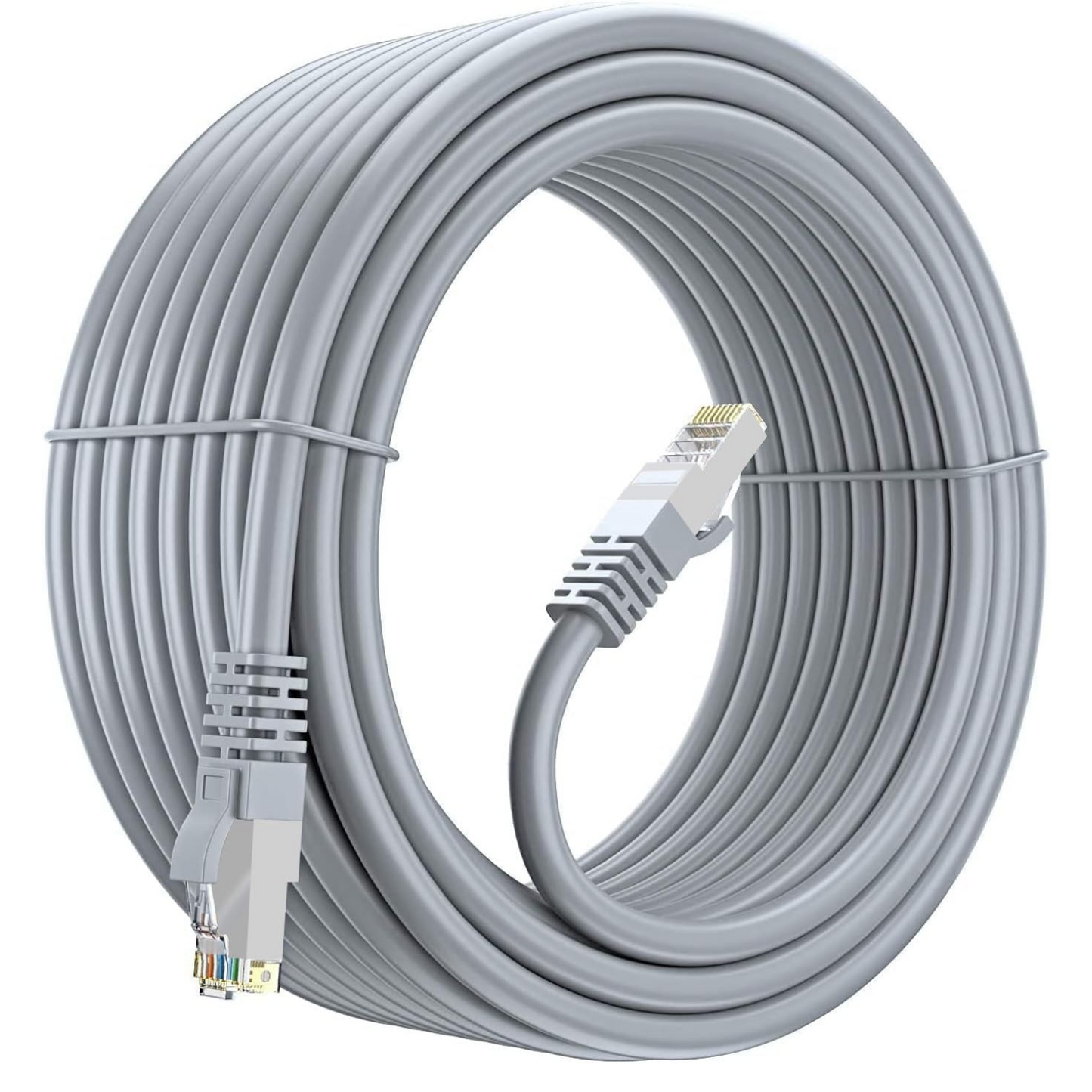
- 2 x 20m Ethernet Cables
- 1 x 32GB SD Card
Why Choose This Kit?
- No subscription charges – All video and images are stored locally, with no cloud fees.
- Hardwired system – No need to recharge batteries.
- Secure and reliable – View and control your system from anywhere via the Hik-Connect app.
- Complete package – Comes with everything needed to get started quickly.
Model Numbers:
- Doorbell: DS-KV6113-WPE1-C
- Monitor: DS-KH6320-WTE1
- PoE Switch: DS-3E1105P-EI
- Cables: CO-120
The Hikvision Doorbell Video Intercom Kit offers 24/7 secure monitoring, two-way communication, and easy remote access, making it the perfect choice for residential properties, offices, and gated communities. This hardwired solution ensures reliable performance without the hassle of battery recharges or ongoing fees, providing peace of mind and enhanced security.
Basic Install Guide
DS-KIS603-P(C) Standalone Setup Guide - For use with POE switch.
1. Power the indoor station (screen) up first by plugging this directly into the poe switch using an Ethernet cable, this will provide both power and data to the screen
2. Do the same with the outdoor intercom (doorbell) so both devices are powered and connected to the POE switch.
3. On the screen it will ask you to create and new password. Enter your password and then press ok, (Note: If adding the doorbell to an NVR, you will need this password at that point and later in this guide).
4. Choose the language you require. Press next
5. Now we enable the DCHP (IMPORTANT). Slide button to right until it turns green. The IP address below will change to one set by your local network along with the default gateway. The button will drop back to grey. Press next.
6. On this screen we need to enter the 'SIP Password' this will be the same as the password created above. Press next
7. Our outdoor station should now show on this page and needs to be activated. To do this press on the door intercom and press activate then ok.
8. We now need to press the cog icon and enable the DHCP on the door intercom. To do this, select DHCP until its green. Then press ok. Then press finish.
9. We can now test the door intercom by pressing the bell on the intercom, this should ring the indoor station, you should be able to view and have two way talk.
We now need to download the Hik Connect app from your phones app store and register an account. Once this task is completed we need to add the doorbell by scanning the QR code, this can be done by pressing the the + button on the top right of the screen.
Once done press the call button on the doorbell and test the device is calling the mobile and the indoor screen.
Please note: The SD card will not record 24/7 only when you action it to record.

🚚 Delivery
Delivery Information:
DPD Next Day Delivery - Free Next Working Day Delivery - For Purchases over £129.99 (Mon - Fri) order before 3pm* purchases under cost £7.99.
*Please note: We cannot guarantee next day delivery or Saturday delivery due to the nature of couriers and possible delays. All items will be dispatched the same working day if ordered before 3pm.
↩️ Return Policy
Our Returns and Refunds Policy:
We hope that you are 100% Happy with your order, however, if there is an issue we’ve outlined some steps below to help...
Returns and Refunds Policy
We want you to be completely satisfied with your order, but if there’s an issue, we’ve outlined the steps below to assist you.
We’re always here to help resolve any problems that may arise. Please contact us by email at sales@bcedirect.co.uk. As a small, independent, family-run business, we take great pride in our customer service. Our business hours are 9 am – 5 pm on weekdays.
Damaged or Faulty Items
If your order arrives damaged or faulty, please contact us within 14 days of receipt to arrange a return and replacement.
Please note: An item is not considered faulty if you placed an order for an incorrect or incompatible product.
Faulty items will receive a return label to return the product. Once we receive and inspect the item (this can take a couple of days), we’ll dispatch a replacement via next-day delivery.
If the item is not found to be faulty upon inspection, our standard returns process will apply, or the item can be returned to you at your cost.
Please Note: Items cannot be deemed defective if the issue arises due to customer actions or incorrect installation (e.g. forgotten passwords or user errors).
Change of Mind or Incorrect Orders
If you’ve changed your mind or ordered the wrong item, don’t worry! Contact us within 14 days to arrange a return.
Returns will be arranged through DPD courier at a cost of £8.99, which will be deducted from your refund.
A 10% restocking fee will also be deducted from the refund total (excluding delivery). This fee helps cover repackaging and labour costs incurred during the return process.
Conditions for Returns:
Items must be unused, in the same condition as received, and returned in the original packaging, with seals intact.
If items are returned in an unsatisfactory condition (e.g., damaged during installation by the customer), we reserve the right to deduct up to 40% of the final selling price. Photos of the damage will be provided upon request.
Non-Refundable Items:
HIKVISION, DAHUA and UNV equipment with broken seals will not be accepted for return, as these are classified as used by the manufacturers and are security products that could have been tampered with.
Important Notes:
Serial numbers on electronic equipment will be verified against our records to prevent fraud.
Original shipping costs are non-refundable, unless the order was lost in transit.
Refund Process
Refunds will be processed through the original payment method unless you prefer a credit note. Please allow 72 hours from receipt of the returned item for the refund to be processed.
Most refunds are completed within 24 hours, but certain providers (e.g., PayPal credit or e-cheques) may take longer.
We’ll send you an email confirmation once your refund has been authorised. If there are delays, we recommend contacting your bank or payment provider directly.
Additional Notes
We are not responsible for any external labour costs incurred by the customer, especially if the fault arises from incorrect installation or user actions (e.g., forgotten passwords).
We’re committed to providing a positive shopping experience and resolving any issues that may arise. As a small business, we strive to ensure our policies are clear and fair, while also balancing the practical challenges involved in handling returns.
If you need further assistance, please don’t hesitate to contact us via email at sales@bcedirect.co.uk.
📈 Trade Pricing
Are you an Installer, Electrician or looking to get into the trade? Get in contact for bespoke pricing or call 01761452997
🤝 Need some help?
Please feel free to get in touch with our sales team. Use the contact us page - email sales@bcedirect.co.uk or give us a call on 01761 452997 we will be more than happy to chat through your requirements.

-
 Get in touch
Need some advice on a Hikvision product?
-
 Buying Bulk
Have a large security project on?
-
 Based in Bristol
UK only Hikvision Kit with UK firmware.
-
 Delivery Info
FREE Delivery on purchases over £129.99 including vat.
We're an Independent family run business.
-
CCTV Cameras
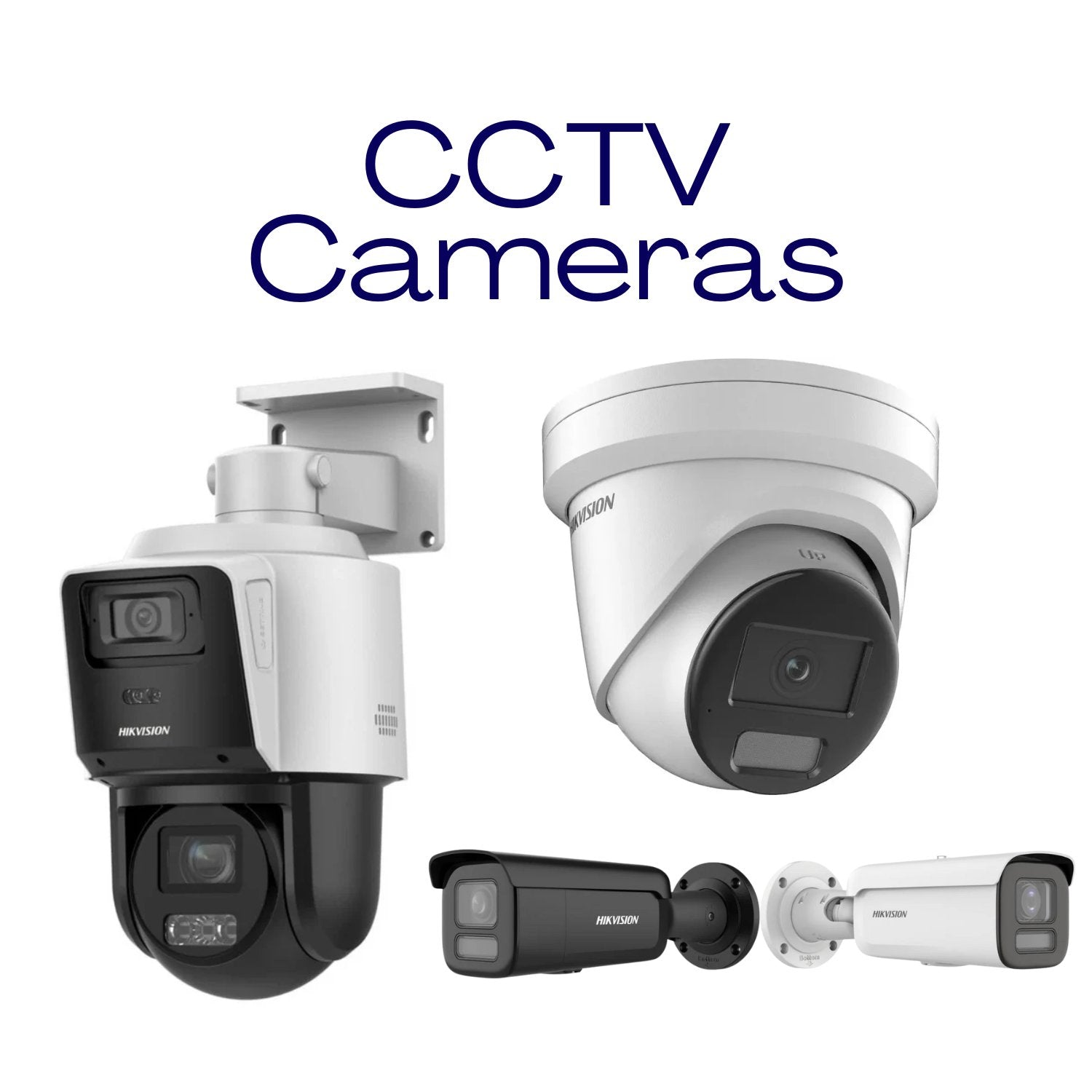
A collection of some great CCTV cameras including maxxone, hikvision, hilook, colorvu, darkfighter...
-
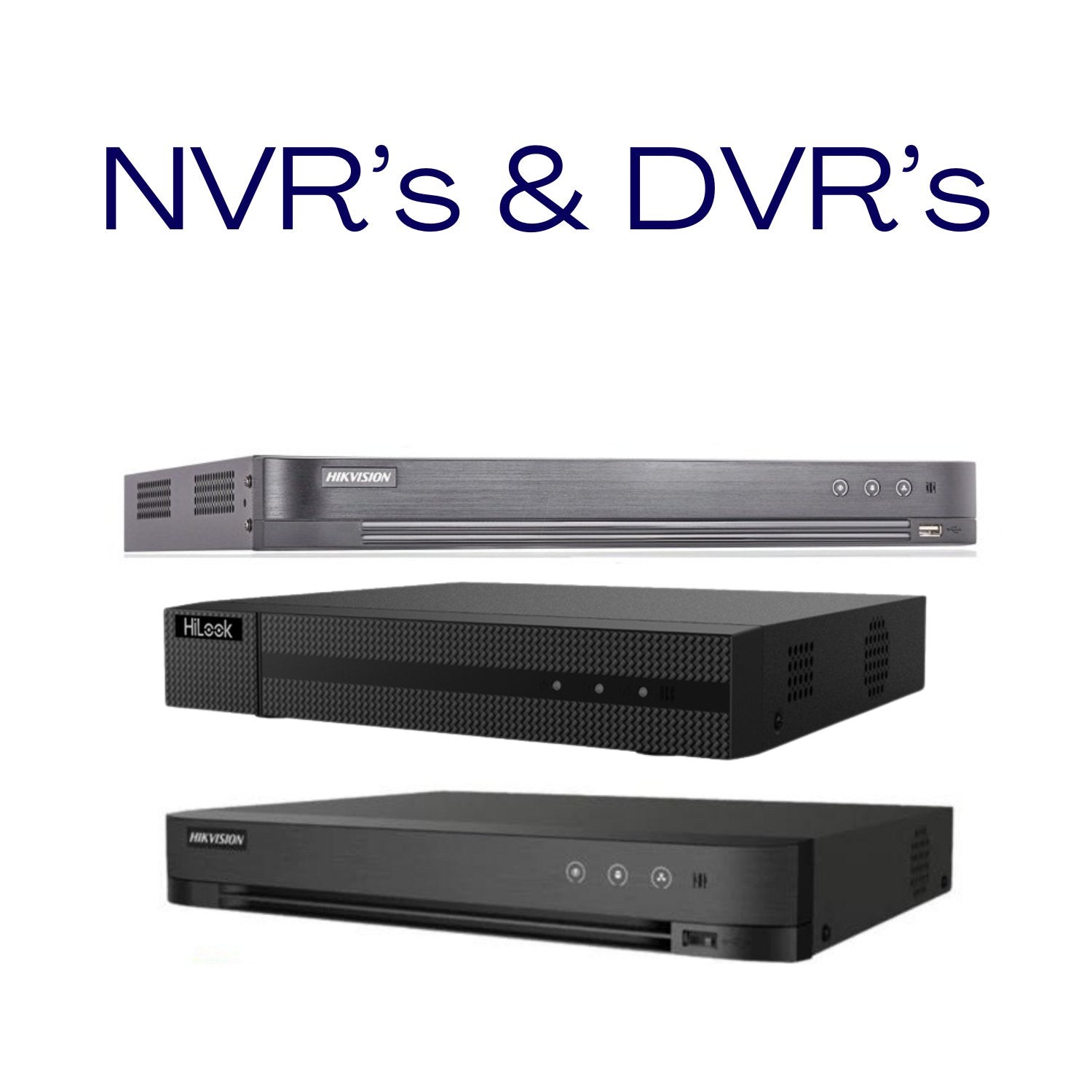
CCTV NVR/DVR's
CCTV NVR/DVR's a collection of Network video recorders and digital video recorders...